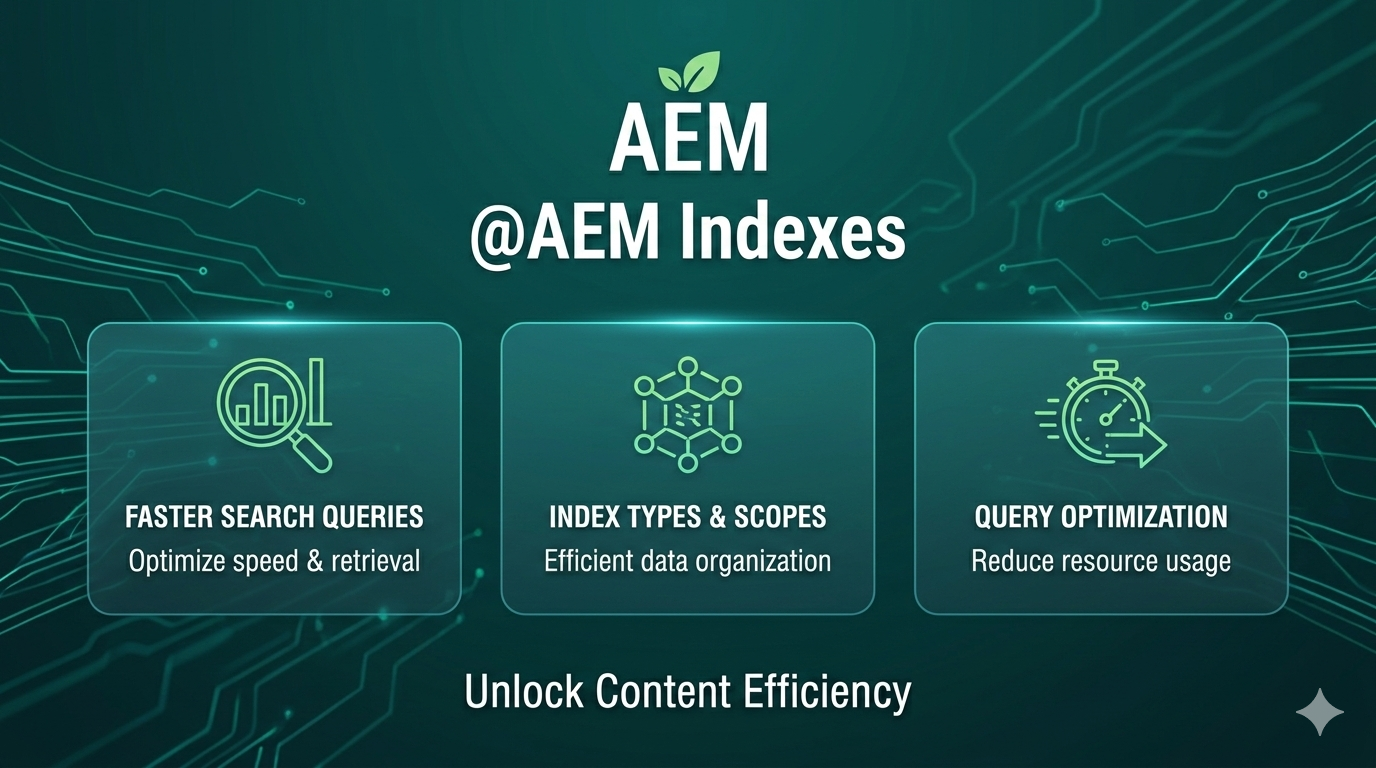
Understanding Indexes in AEM
Adobe Experience Manager (AEM) uses the Apache Jackrabbit Oak repository as its underlying content storage and query engine. Unlike its predecessor Jackrabbit 2, Oak does not index content by default. This design prioritizes storage optimization and flexible indexing but also means developers must explicitly create indexes for efficient queries.
Without well‑defined indexes, Oak may need to traverse large numbers of nodes, resulting in slow or unpredictable query performance. Understanding and configuring indexes is therefore essential for any scalable AEM implementation.
Why Indexing Matters in Oak
In Oak:
- A query may still return results even if no index exists.
- But the repository may resort to node traversal, potentially scanning thousands—or millions—of nodes.
- This leads to high CPU usage, slow responses, and poor user experience.
Thus, indexes in Oak act like indexes in relational databases:
They speed up queries by structuring content for quick lookup.
Supported Query Languages in Oak
Oak supports multiple query languages, though Adobe recommends specific ones.
1. XPath (Recommended)
- Most optimized for Oak
- Fully supported
- The default language for many internal AEM operations
2. SQL-2
- The native query language for JCR / Oak
- Supports structured queries and joins
3. SQL (Deprecated)
- Backward compatibility only
- Should not be used for new implementations
4. JQOM (JCR Query Object Model)
- Programmatic query building
- Verbose and less commonly used
Types of Indexes in AEM Oak
Oak supports several index types, each suited for specific use cases.
1. Property Index
A Property Index is best when:
- The query filters based on a property value
- Full‑text search is not required
- Example: Find nodes where status = ‘active’
How it works
- Fast lookup on exact property matches
- Ideal for equality conditions (=, IN)
How to Create
Create a node under /oak:index:
| Property | Value |
| Node Type | oak:QueryIndexDefinition |
| type | property |
| propertyName | <propertyName> (optional; falls back to node name) |
| reindex | true/false |
Example Structure
/oak:index
  └── statusIndex (oak:QueryIndexDefinition)
        ├── type = property
        ├── propertyName = status
        └── reindex = true
2. Ordered Index (Deprecated)
The Ordered Index extends the Property Index to support range and ordering queries.
Current Status
- Deprecated
- Adobe recommends replacing it with a Lucene Property Index
Reason: Lucene-based indexes offer:
- Better performance
- More flexibility
- Asynchronous updates
3. Lucene Full-Text Index
The Lucene index is the most powerful and widely used index type in AEM.
When it is used
- Queries with full‑text conditions (CONTAINS, fulltext)
- AEM Search components
- Assets metadata search
- Custom search features
Key Behavior
- Based on Apache Lucene
- Always used for full‑text queries—even if other indexes exist
- Updated by an asynchronous background thread
- Splits text into tokens (words)
- Builds an inverted index mapping words to nodes
Limitations
- Common short words are ignored (stop words)
- Special characters like – may not be indexed
How to Create
Create a node under /oak:index:
| Property | Value |
| Node Type | oak:QueryIndexDefinition |
| type | lucene |
| async | async |
| includePropertyTypes | Optional list |
| excludePropertyNames | Optional list |
| reindex | true/false |
Example Structure
/oak:index
  └── LuceneIndex (oak:QueryIndexDefinition)
        ├── type = lucene
        ├── async = async
        ├── includePropertyTypes = ["String"]
        └── reindex = false
4. Lucene Property Index
This index type uses Lucene but without full‑text capabilities.
When to Use
- Property-based queries where:
- Wildcards
- Rangers
- Non‑full‑text conditions
are needed.
Key Requirements
- fulltextEnabled must be set to false
Important Consideration
- Always runs in async mode
- Results may show slight delay after indexing changes
- But still much faster than Property Index in complex queries
How to Create
/oak:index
  └── LucenePropertyIndex (oak:QueryIndexDefinition)
        ├── type = lucene
        ├── async = async
        ├── fulltextEnabled = false
        └── includePropertyNames = ["myProperty"]
Indexing Tools by ACS AEM Commons
ACS AEM Commons provides excellent tools for understanding and managing indexes.
1. Explain Query
- Helps determine which index will be used for a given query
- Shows index cost and traversal paths
- Available through
/libs/granite/operations/content/diagnosistools/queryPerformance.html
2. Index Manager
A web-based UI for:
- Monitoring existing indexes
- Reviewing health and status
- Triggering reindex operations
- Checking async indexing progress
AEM Indexing Best‑Practices Checklist
1. Before Creating an Index
Validate the need
- Run the query in Explain Query tool
/libs/granite/operations/content/diagnosistools/queryPerformance.html - Check if Oak falls back to Traversal
→ If yes → indexing is required. - Ensure the query itself is optimized before creating indexes.
2. Choosing the Right Index
Prefer Lucene Indexes
- Use Lucene Property Index for almost all property-based queries.
- Use Lucene Full‑Text Index when using CONTAINS, full-text search, search components.
- Use Property Index ONLY for:
- Simple equality checks
- Single‑property exact match
- No wildcards or ranges
Avoid deprecated indexes
- Ordered Index is deprecated → Replace with Lucene Property Index.
3. Index Structure & Configuration
Keep index definitions minimal
- Only include needed:
- includePaths
- includePropertyNames
- Required property types
- Avoid indexing entire repository unless required.
Use async index processing
- For Lucene: async = async
- Prevents slowing down write operations.
Use node name as propertyName only when desired
If propertyName is missing → node name becomes the property reference.
4. Performance & Maintenance
Always test on staging before deploying to production
Avoid frequent reindexing
- Reindex only when necessary:
- Index definition changed
- Corruption
- Missed updates
Use ACS Commons Index Manager
- Monitor index health
- Track async progress
- Trigger reindex safely
Keep indexes small
- Limit the number of included properties
- Reduce index size for faster async updates
5. Security & Governance
- Never expose index structures via public APIs
- Use proper ACLs to restrict access
- Document each index definition in the code repository
AEM Sample Queries + Recommended Index Type
Below are the most common query patterns with recommended indexes and example configurations.
1. Equality Search on a Single Property
Query
SELECT * FROM [cq:Page] WHERE [status] = 'active'Recommended Index
Property Index (good for simple, exact matches)
Why
- No full-text
- No wildcard
- Single property equality filter
Index Definition
/oak:index/statusIndex
    type = property
    propertyName = status
    reindex = false
2. Search with Multiple Property Constraints
Query
SELECT * FROM [my:Component]
WHERE [category] =
Recommended Index
Lucene Property Index (better than Property Index for multi-property queries)
Why
- Lucene handles multi-property lookups more efficiently
- Async updates improve write performance
Index Definition
/oak:index/newsComponentIndex
    type = lucene
    async = async
    fulltextEnabled = false
    includePropertyNames = ["category", "published"]
3. Full‑Text Search
Query
SELECT * FROM [cq:Page]
WHERE CONTAINS(*, 'AEM Search Optimization')
Recommended Index
Lucene Full‑Text Index
Why
- Required for full-text search
- Tokenizes text
- Supports stemming, stop words
Index Definition
/oak:index/fulltextIndex
    type = lucene
    async = async
    includePropertyTypes = ["String"]
    fulltextEnabled = true
4. Path‑Restricted Search
Query
SELECT * FROM [cq:Page] AS s
WHERE ISDESCENDANTNODE(s, '/content/site/en')
AND s.[template] = '/conf/my-site/templates/article'
Recommended Index
Lucene Property Index with includePaths
Why
- Limits index scope for higher performance
- Path-restricted indexes are faster and smaller
Index Definition
/oak:index/articleTemplateIndex
    type = lucene
    async = async
    fulltextEnabled = false
    includePaths = ["/content/site/en"]
    includePropertyNames = ["template"]
5. Wildcard or Range Property Queries
Query
SELECT * FROM [my:Asset]
WHERE [title] LIKE 'home%'
Recommended Index
Lucene Property Index
Why
- Property Index does NOT support wildcards
- Lucene handles prefix queries efficiently
Index Definition
/oak:index/assetTitleIndex
    type = lucene
    async = async
    fulltextEnabled = false
    includePropertyNames = ["title"]
6. Date Range Queries
Query
SELECT * FROM [dam:Asset]
WHERE [jcr:content/metadata/dc:created] > '2025-01-01'
Recommended Index
Lucene Property Index
Why
- Range queries require Lucene
- Property Index cannot handle > or < operations effectively
7. Multi-Value Property Search
Query
SELECT * FROM [cq:Page]
WHERE ARRAY_CONTAINS([tags], 'sports:cricket')
Recommended Index
Lucene Property Index
Why
- Lucene handles multi-value properties efficiently
- Property index only supports exact matches













Post Comment